



Software Installation
Run Screenberry Setup on any Windows computer where Screenberry Server or Screenberry Panel will be used. Install Screenberry Server on a Media Server computer, Screenberry Panel on an Operator Workstation, or both applications when they will run on the same computer.
Screenberry Configurator is installed with Screenberry and does not require a separate download or installation procedure.
Install Screenberry on Windows
-
Run the Screenberry Setup
.exefile to open the Screenberry Setup Wizard.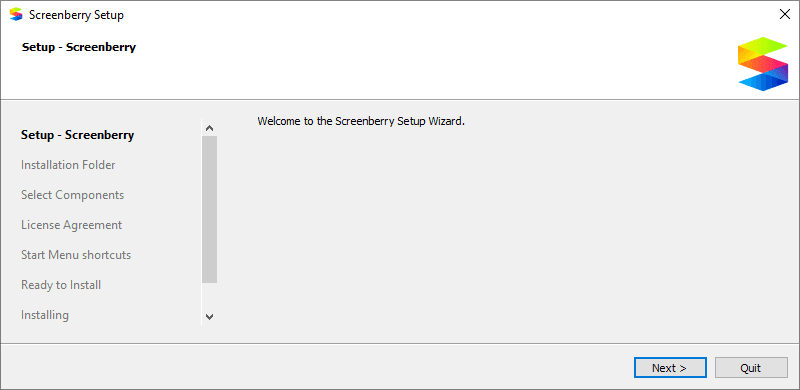
-
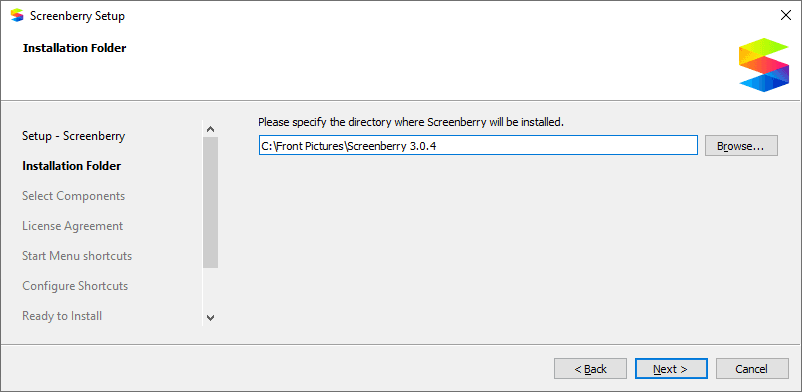
Choose the installation folder, then select Next.
-
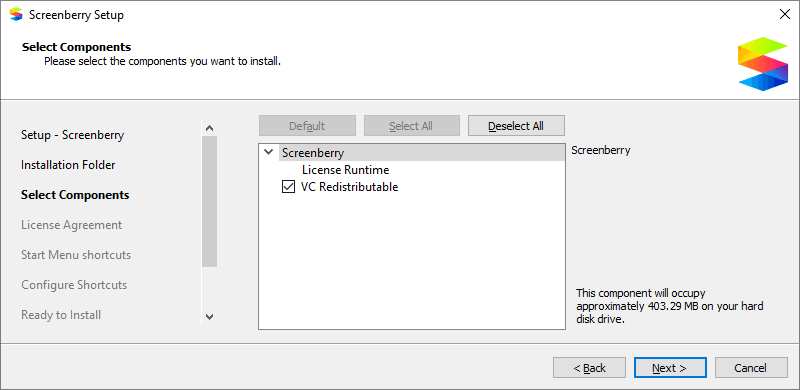
Select the Screenberry components required on this computer, then select Next.
-
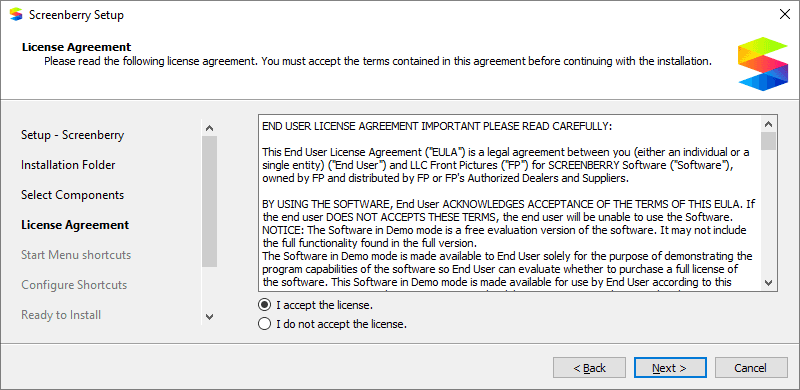
Review and accept the End User License Agreement, then select Next.
-
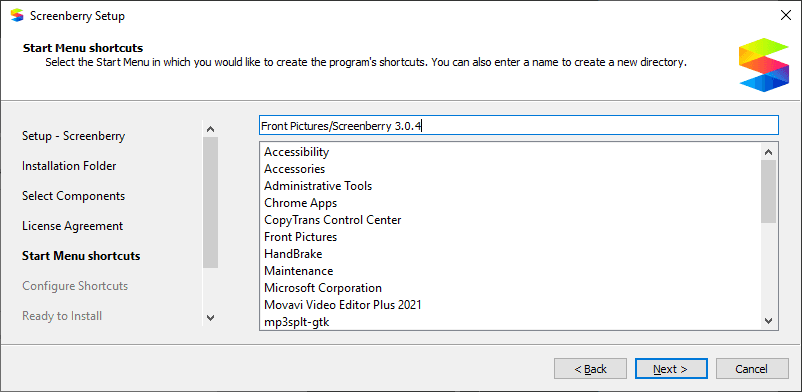
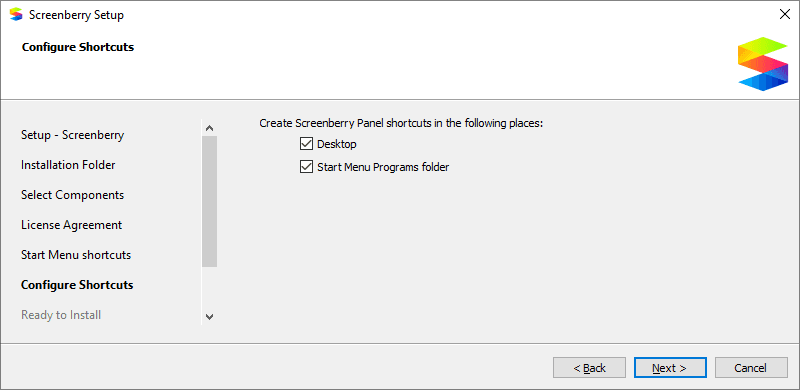
Choose where the Screenberry shortcuts should appear in the Start menu, then select Next.
-
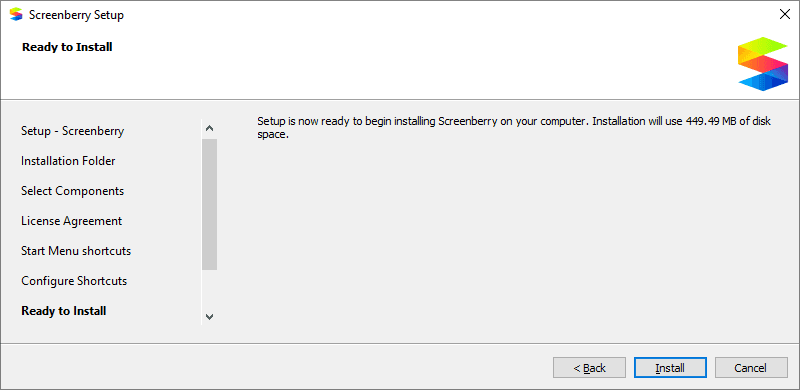
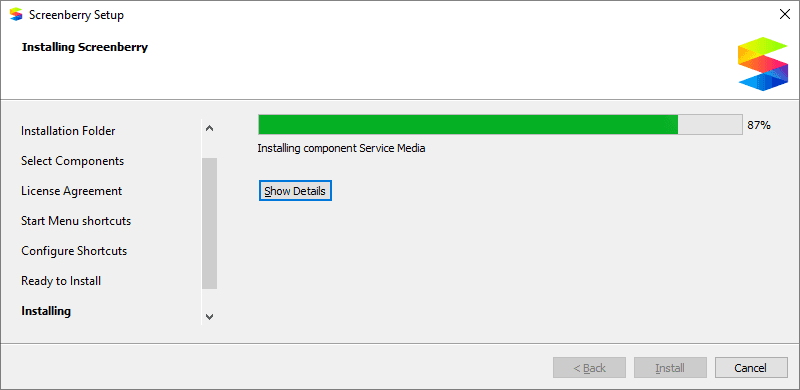
Select Install and wait for the installation to finish.
-
Select Finish to close the Setup Wizard.
The selected Screenberry applications are now available from the Windows Start menu.
Allow Screenberry through Windows Firewall
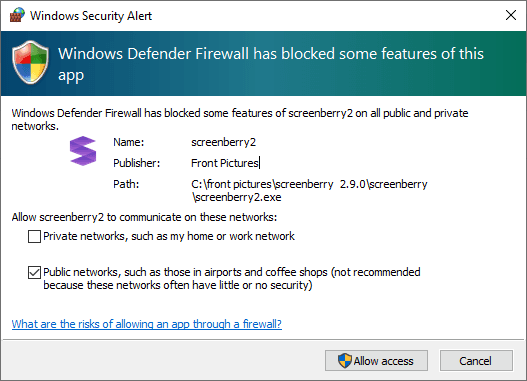
The first time Screenberry Server starts after installation, Windows Security Alert may ask whether to allow network communication through Windows Firewall.
Allow Screenberry Server on the trusted network used by the Media Server and Operator Workstation. Do not enable access for an untrusted public network unless it is intentionally part of the Screenberry system and has been reviewed by the system administrator.
Last updated on