


Notch Playback
Notch Blocks loading into a Screenberry project, control of the parameters exposed in the Notch project, and Notch Blocks playback are organized using the Notch Playback node.
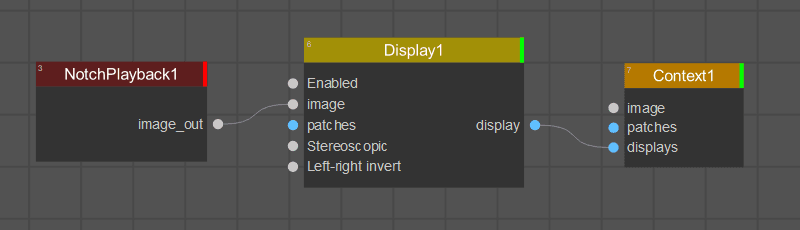
Typically, the Notch Playback outputs the Notch Blocks playback to the Display or Context node.
Screenberry supports the following types of Notch exposed parameters:
- int
- float
- string (including Unicode characters)
- color
- texture (including multiple textures)
- enum
- posquat
- cameraparams
Upon importing a Notch Block, Screenberry
- Respects parameter range limits set in a block.
- Makes the exposed parameter values marked as “Readable” available for use.
- Provides advanced video memory management allowing to unload from the VRAM a block layer.
- Displays the block Author string.
The Settings panel of the Notch Playback node offers the following controls and parameters:
Notch Block Filename Selects the Notch Block (.dfxdll) file to load from the Screenberry Server computer.
Block Active Activates or deactivates the Notch Block.
Block Version, Block Creators Provide version and creator information about the Notch Block.
Image Size Sets the output width (W) and height (H) in pixels for Notch Block playback.
VRAM Usage Displays current VRAM usage.
Purge VRAM Pool Frees VRAM not used for the current Notch Block layer.
Notch Layer Selects one of the available layers in the Notch Block.
The Notch Playback node checks the loaded block file for changes while processing and reloads it when a change is detected.
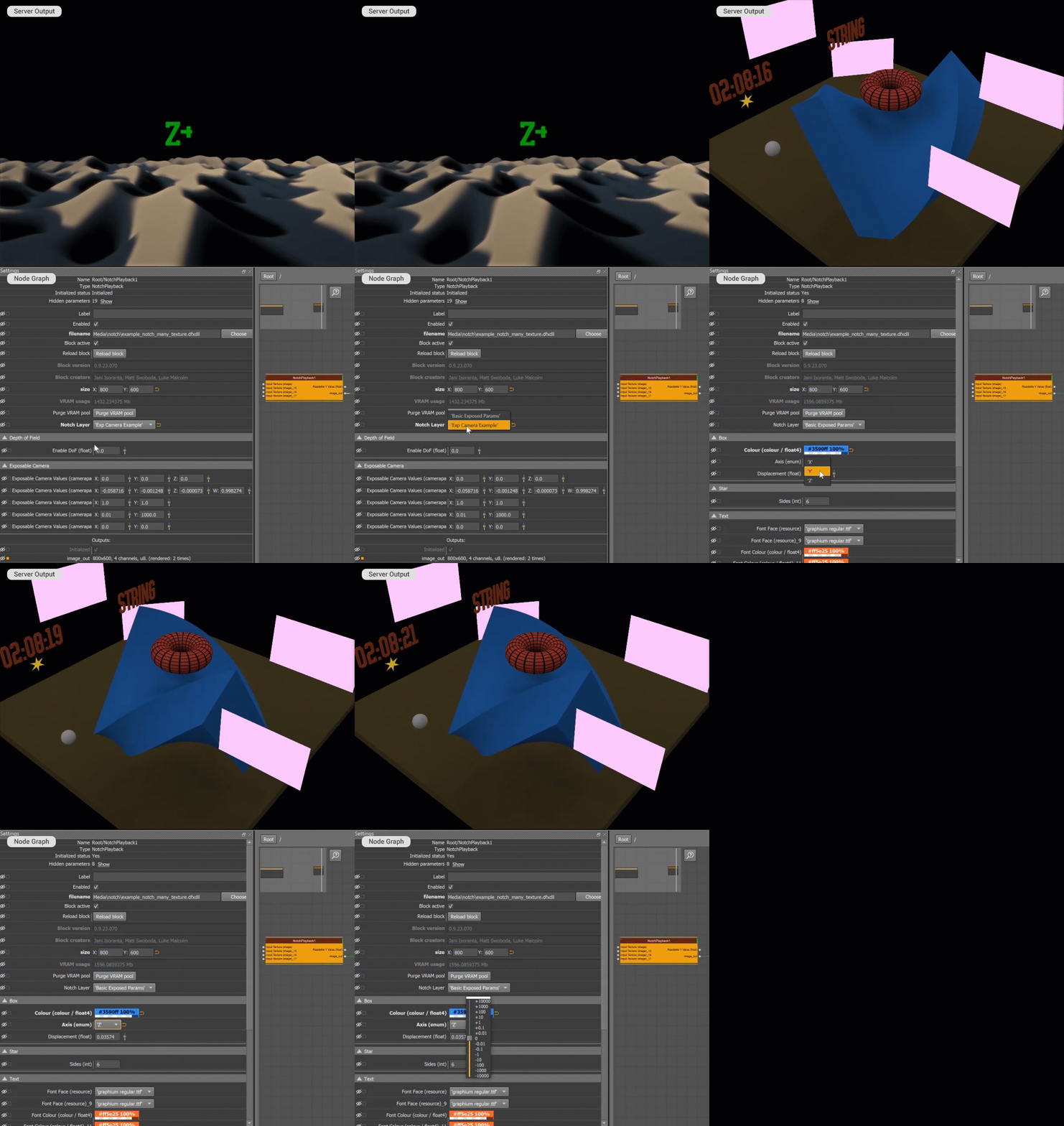
When the Notch Block layer is selected in the Settings panel, the Notch Playback node does the following:
- Switches to the playback of this layer.
- Creates a separate section in the Settings panel for each layer object with the exposed parameters.
- Generates custom parameters for all exposed parameters in the layer.
Additionally, various nodes can be connected to the Notch Playback node in the node graph to do any of the following:
- Pass textures/video from to the Notch Block.
- Pass the values for the parameters exposed in the Notch Block.
- Pass textures/video out of the Notch Block.
- Pass readable parameters out of the Notch Block.
Note: For the Notch Playback node to function, a full Notch Playback License is required and the Notch dongle should be connected to the Screenberry server.
Last updated on